One operation. End to end.
An operation on Overwatch is one continuous record. The client's request, the operators you assign, the site, the brief, the voice notes from the field, the encrypted comms, the after-action report — all of it hangs off the same thread. Nothing falls through the gap between five different tools, because there's only one.
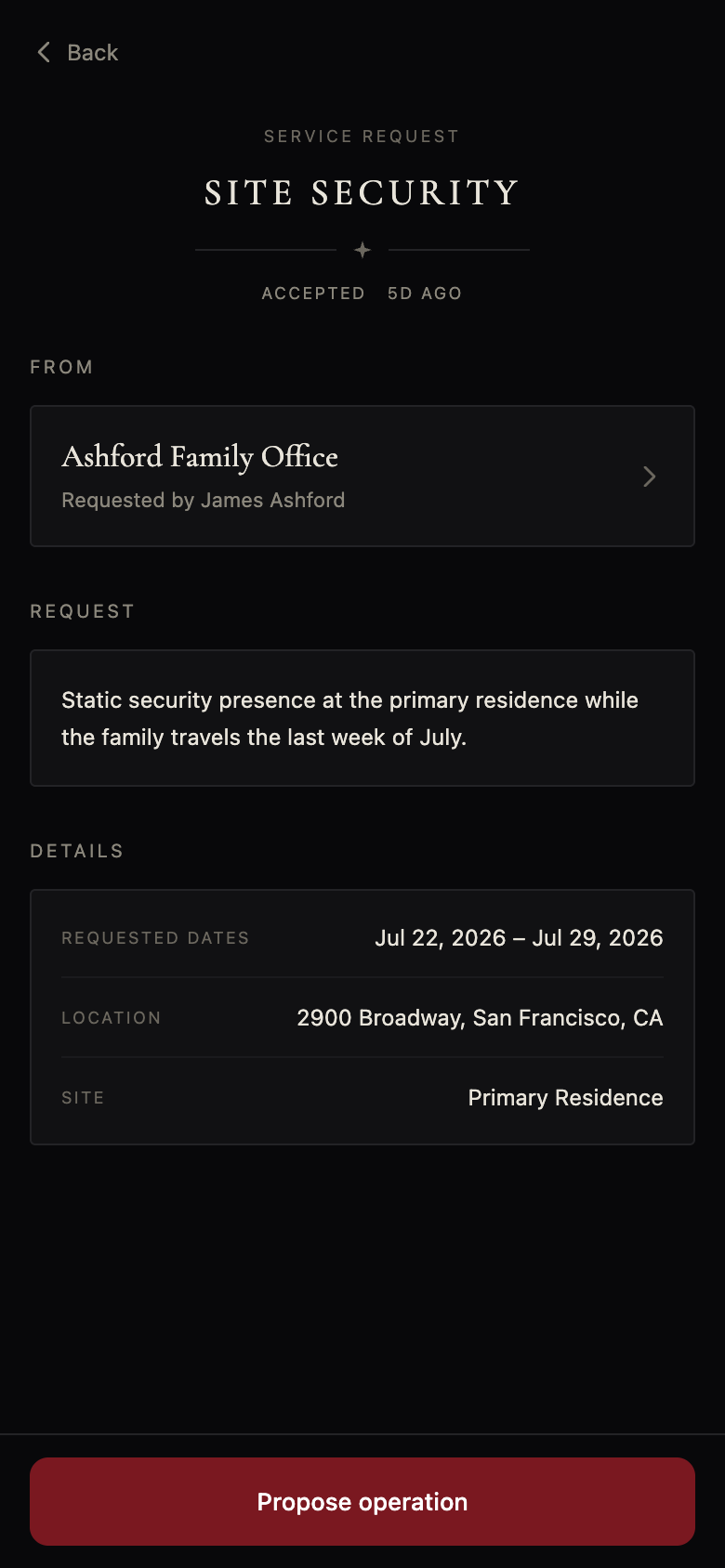
The client asks for protective work, in a few taps.
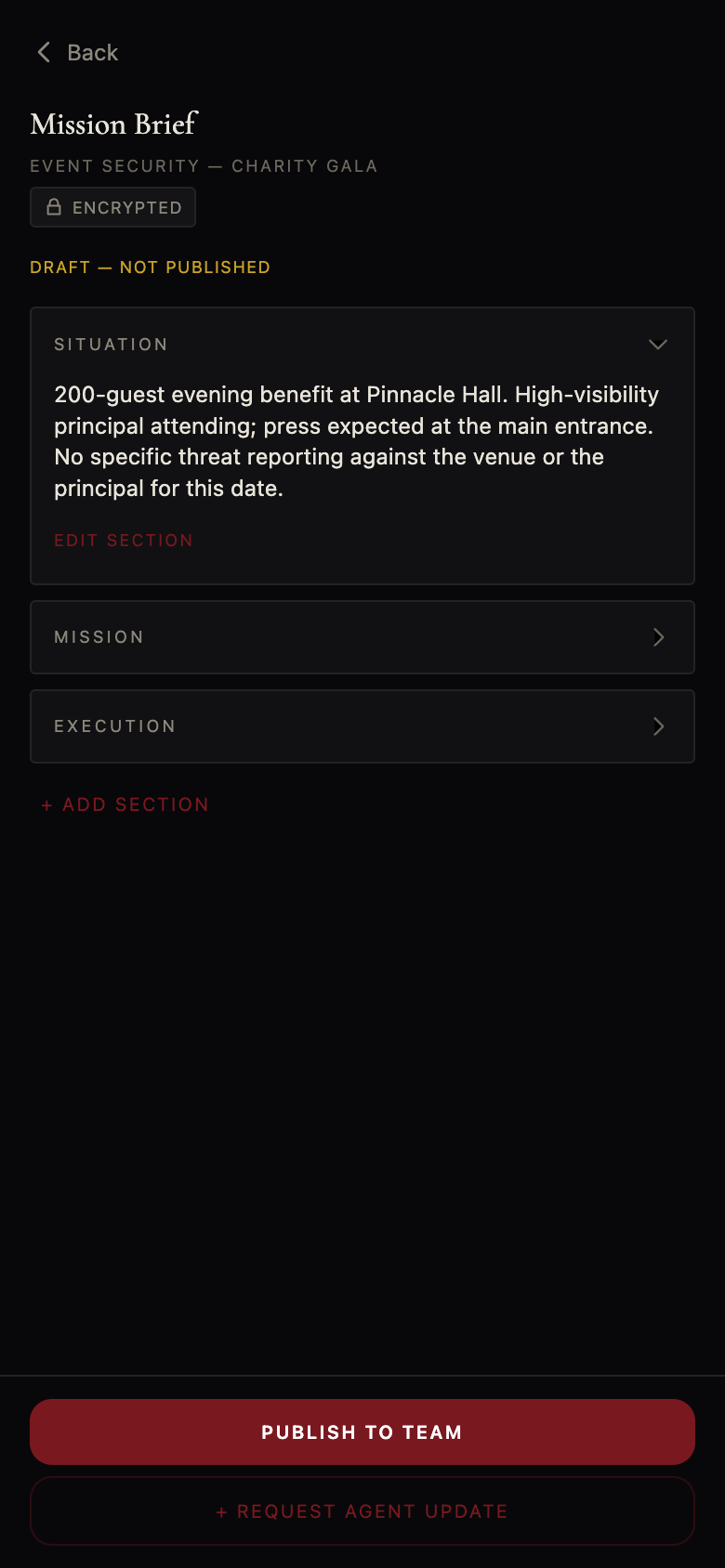
Staff it, attach intel, tie it to a site, draft the brief.
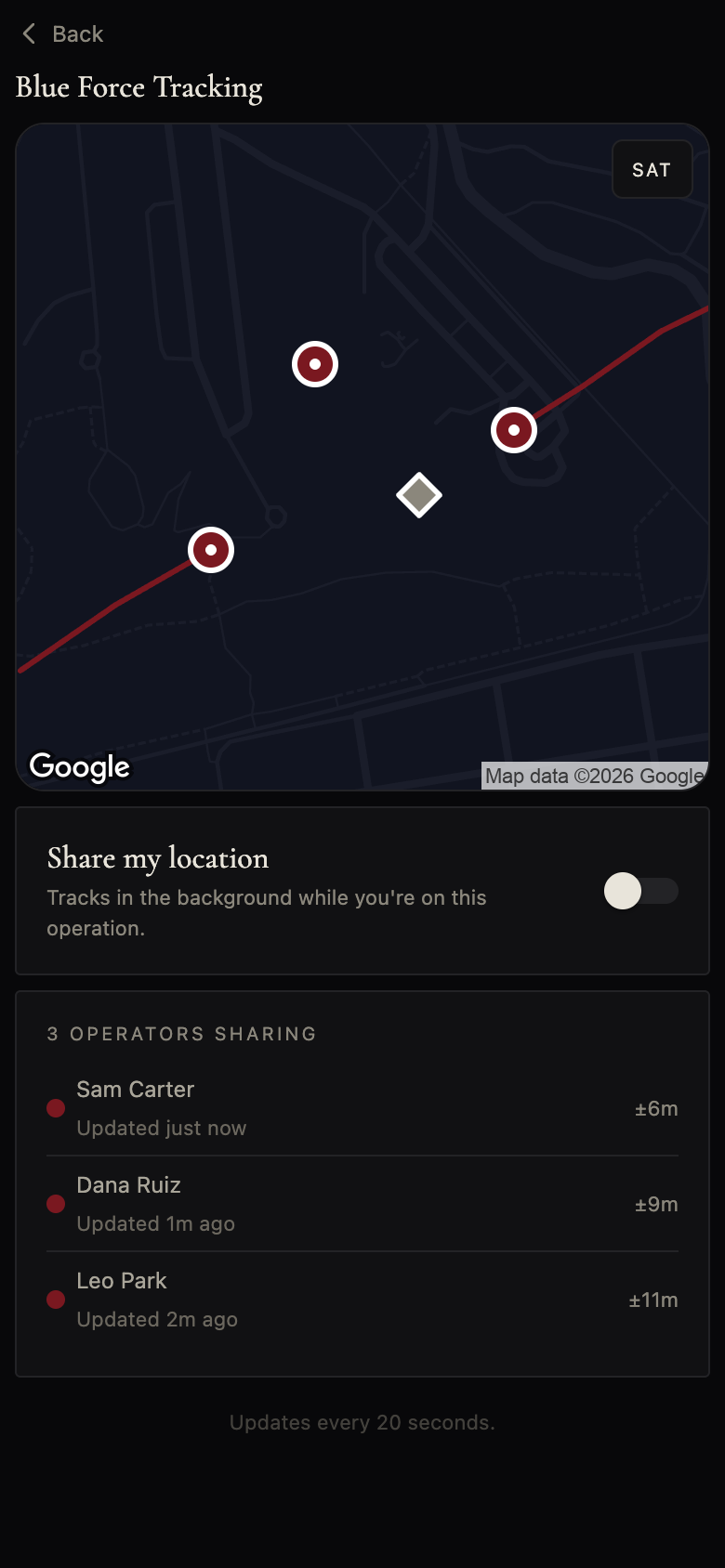
Eyes on. Live tracking and one-tap field notes.
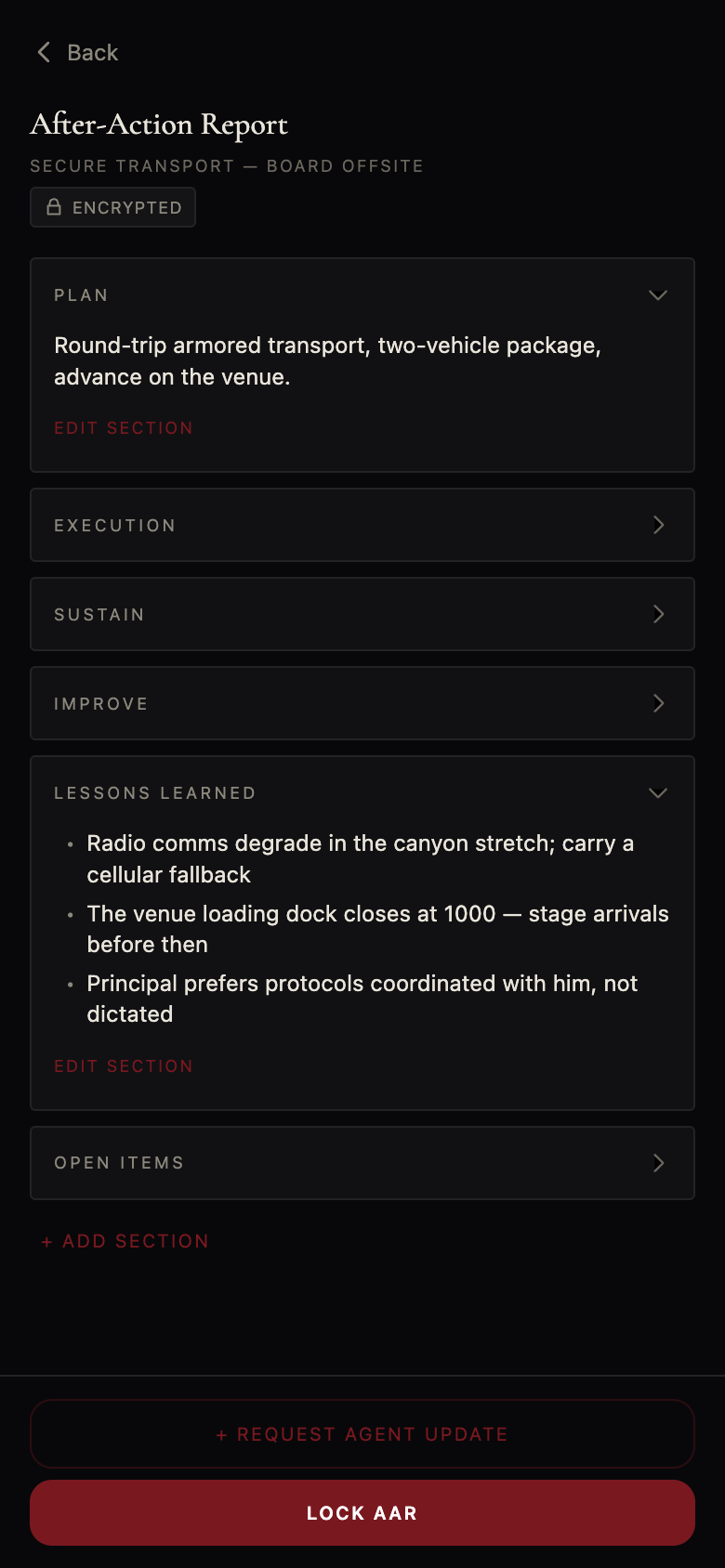
The after-action report drafts itself from the op.
Lessons feed back into the firm for the next mission.
Your client opens their app and requests protective work — a detail, an event, a recon — in a few taps. It lands in your queue with the type, the place, and the window already attached. One tap turns that request into a proposed operation, scoped and ready to staff.
Assemble it in one screen. Assign your lead, operators, and support; attach the intel, photos, and PDFs that matter; tie it to a site. Then let Overwatch draft the brief.
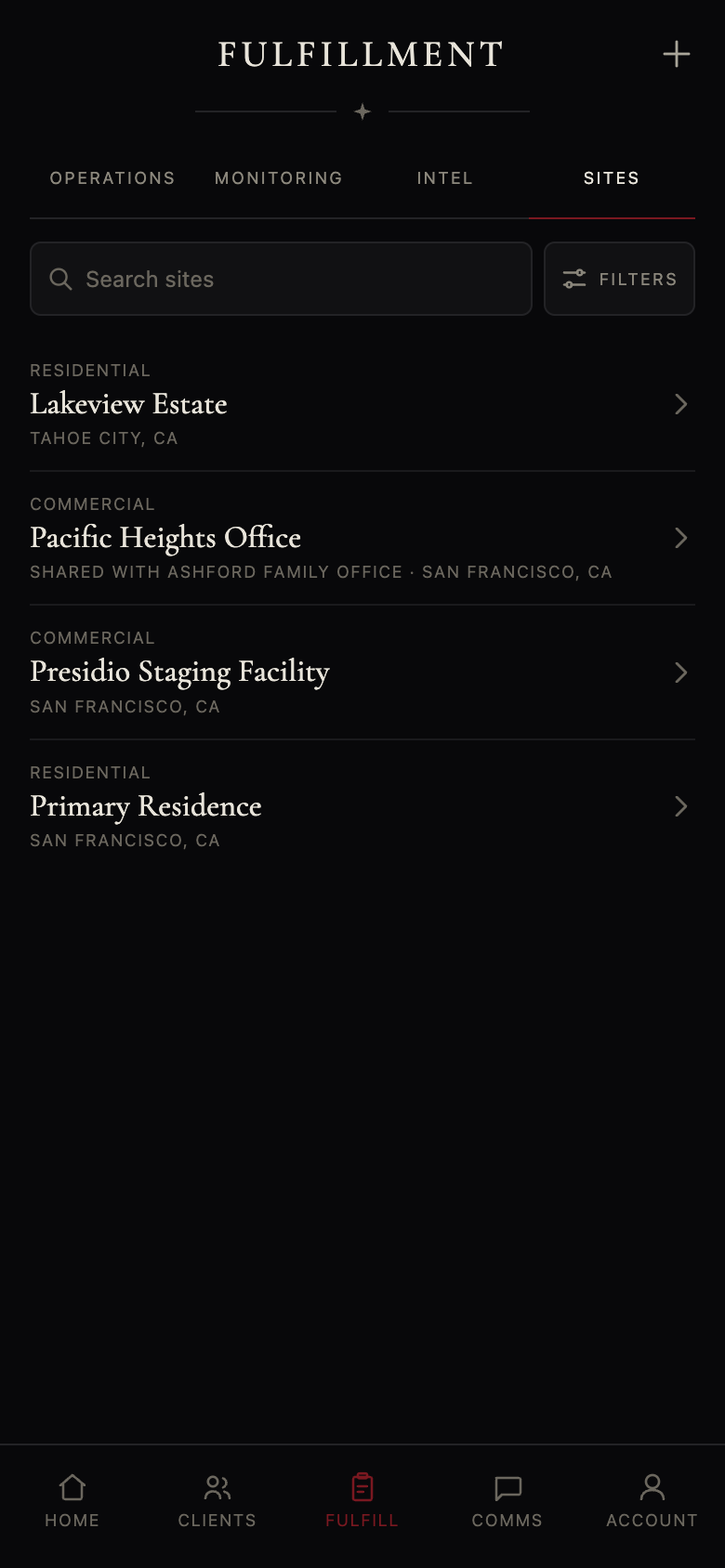
The residence you cover every week, the hotel a principal always uses, a one-off venue — keep them in a site library you build once and reuse. Each site carries its address, access notes, nearest hospital, points of contact, and a threat & vulnerability assessment.
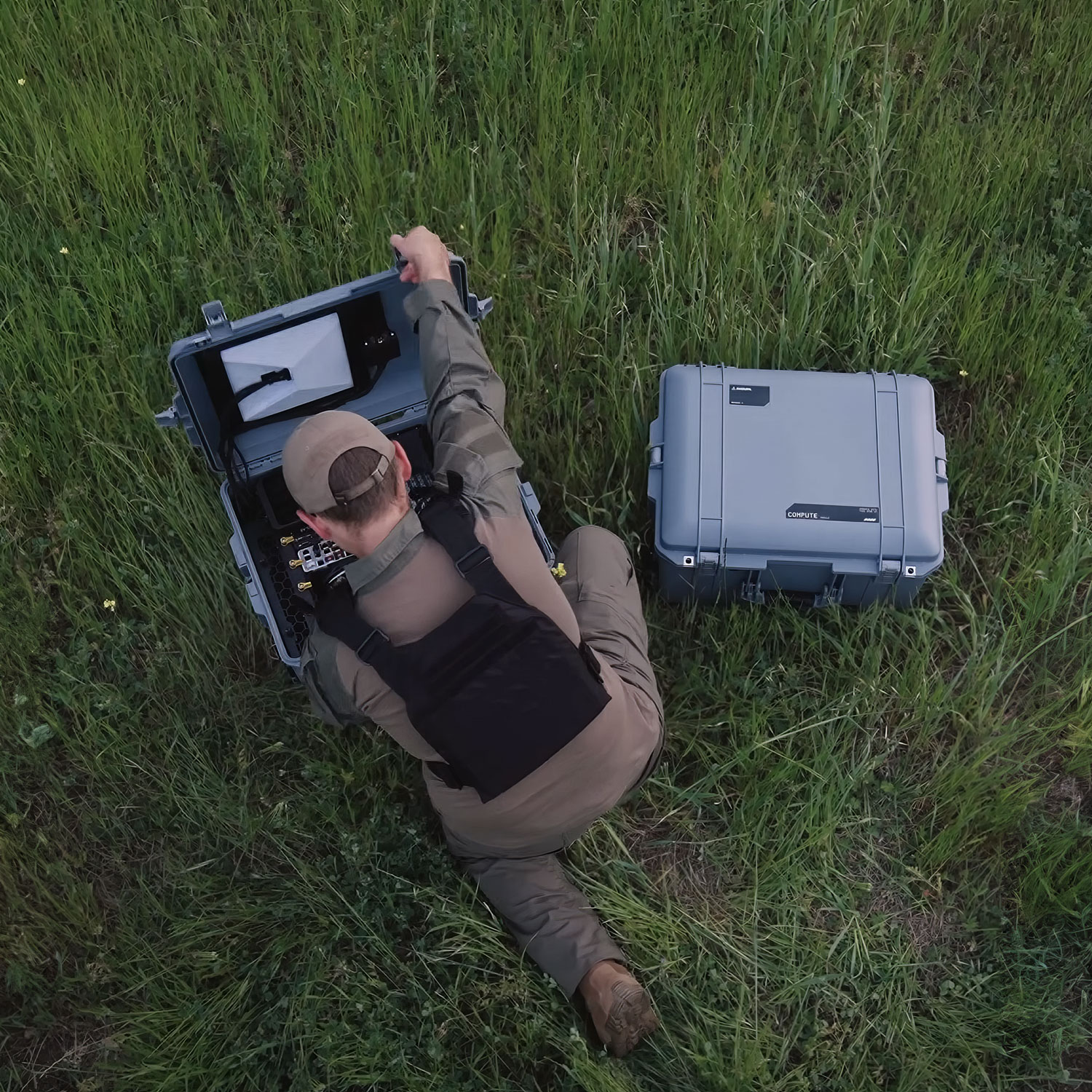
When the operation goes active, the field and the command post stay in sync. Capture what's happening with one tap, and see where your people are in real time — without turning your operators into a surveillance feed.
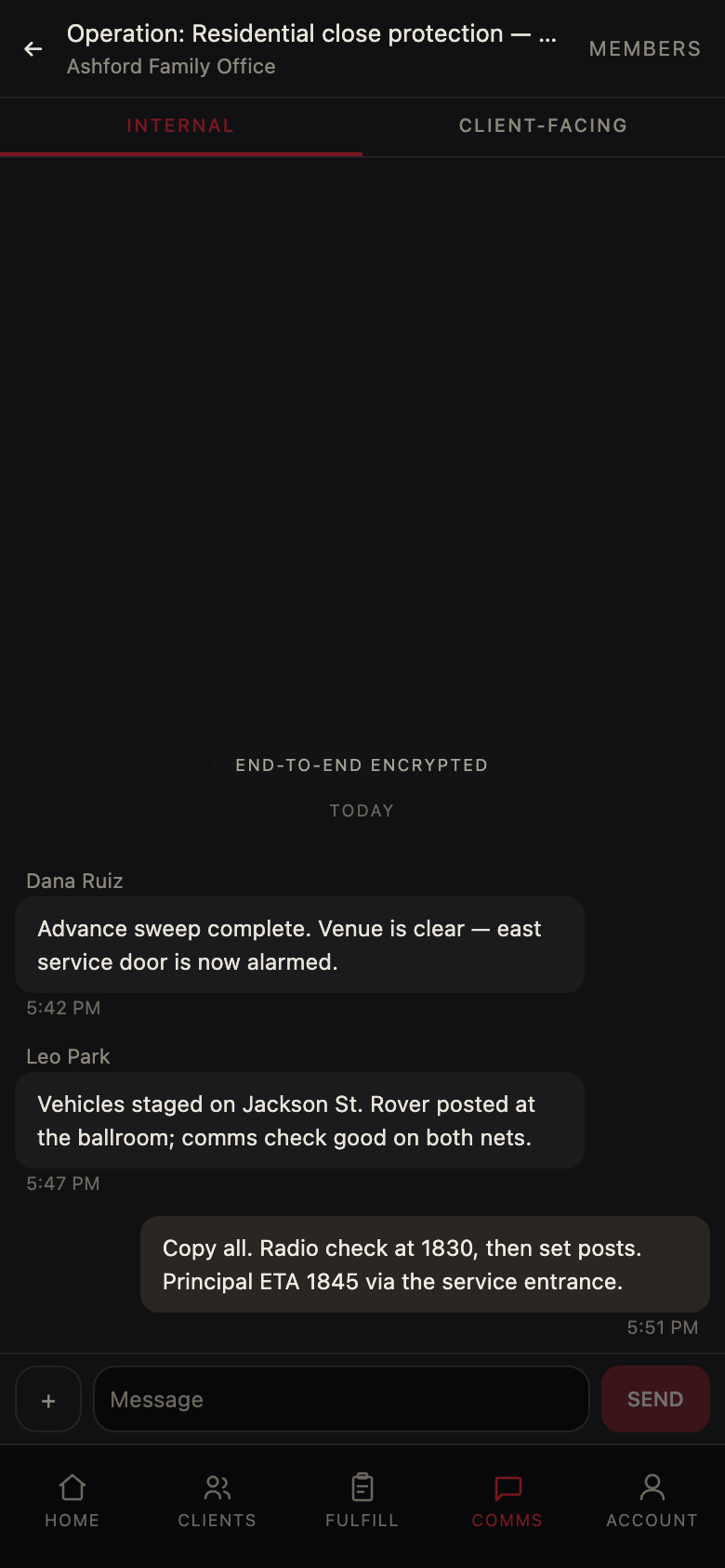
Every operation gets its own channels: an internal room for your team, and a shared room with the client. Both are end-to-end encrypted with keys that live on your devices — we relay the messages and cannot read a word of them.
When the operation closes, Overwatch drafts the after-action report for you — pulling in the voice notes your team captured in the field automatically. Then it does something a PDF never could: it learns.

We'll walk you through a single operation end to end — request, brief, field, debrief — with your workflow on the screen.